

How to create a webhook
Follow the steps below to create up to five webhooks from Symmetry Guides:- Access Symmetry Guides (use your Auth0 login).
- Access the admin settings by clicking the dropdown next to the profile circle at the top right of the screen, then click Settings.
- Click the Manage webhooks button.
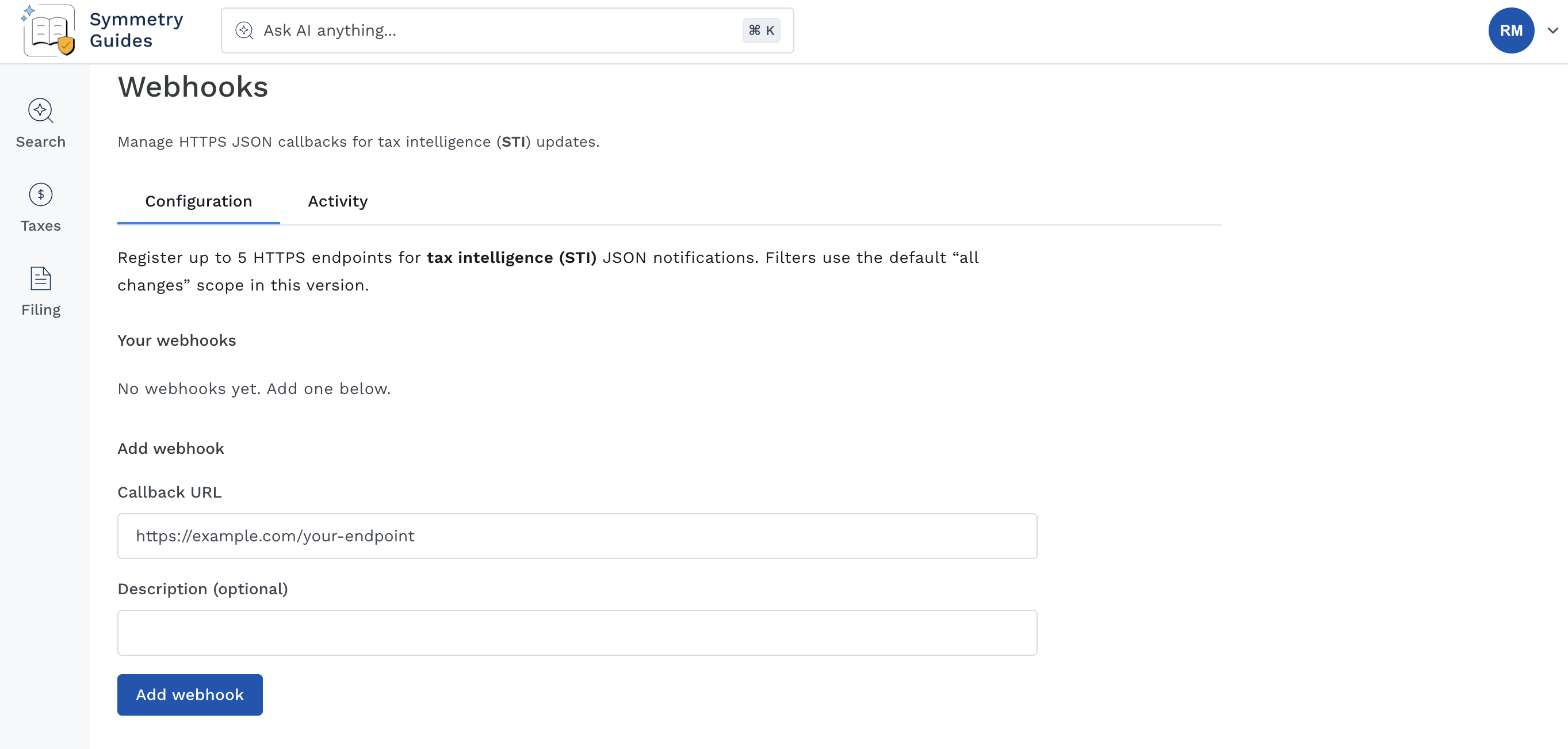
- From the Configuration tab, add your Callback URL and an optional Description, then click the Add webhook button.
- Once added, your webhook will be visible within the Configuration tab. You can Send test, Edit, or Remove the webhook directly from this screen.
Troubleshooting
If you are not receiving webhooks as expected, follow the steps below.- Confirm the correct Callback URL is configured in Guides (Settings > Manage webhooks).
- Check the Activity tab for delivery status (Settings > Manage webhooks > Activity > Details).
4xxerrors indicate a problem with the submitted data and will not be retried. Confirm your callback URL is correct and pointing to the right server location.5xxerrors indicate a server-side issue. Guides will automatically retry delivery two additional times.