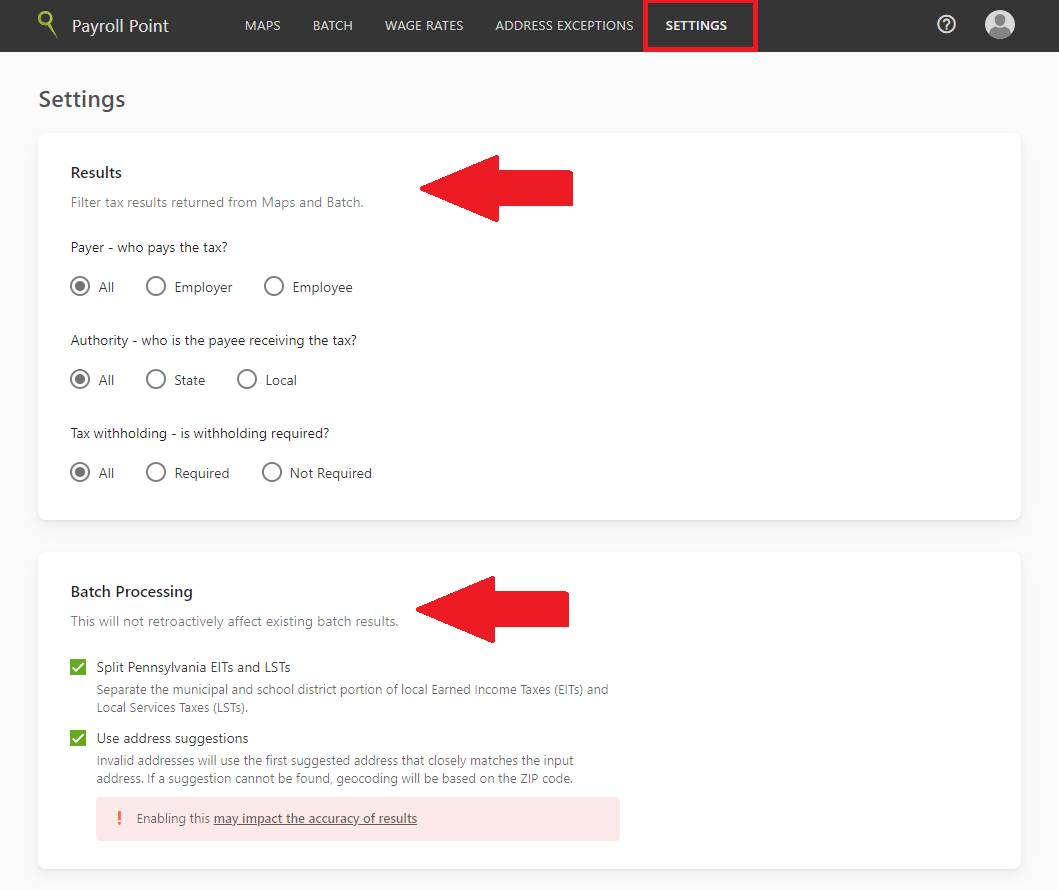
- Navigate to the Settings tab.
- Adjust the Results and Batch Processing settings and click Save changes.
Global settings affect every user in your organization, not just you. Review them before running any lookups, since they change which taxes are returned rather than only how results are displayed.